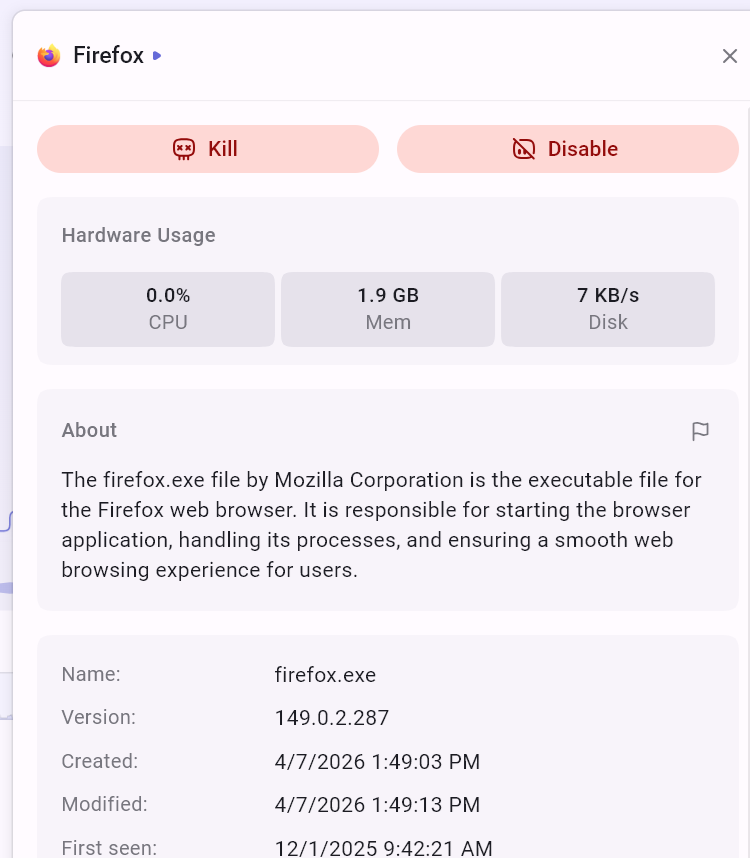
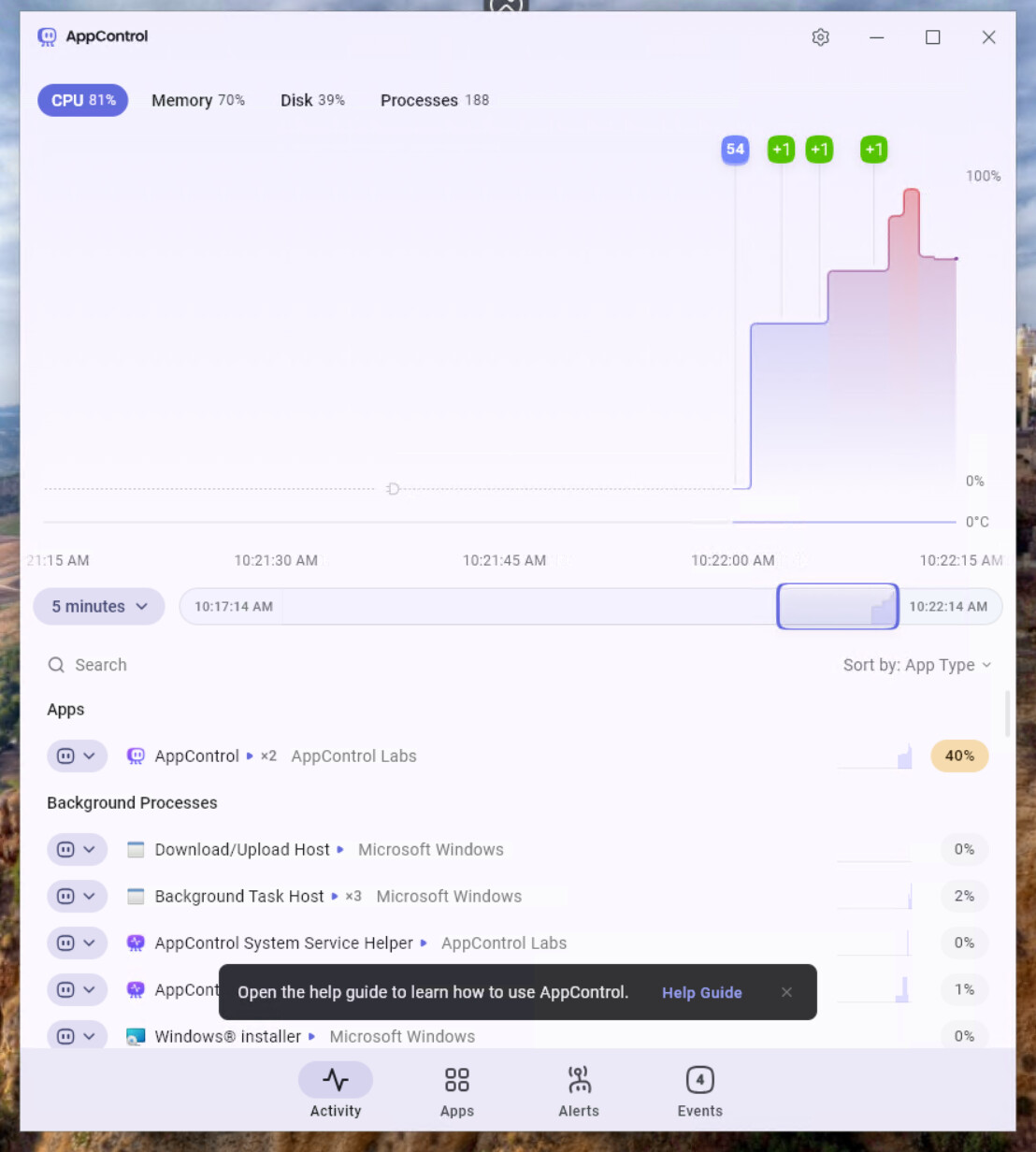
Thanks for your feedback and sorry for any confusion. The insights only appear in the app itself, not on the web. For example here is my insight for Firefox.
AppControl will load these insights, check for suspicious apps (if you have that on), and check for software updates. If you don’t want any of that you can use the privacy mode with no connectivity, and then you don’t have to use a firewall.
But if I understand correctly, you suggest that if someone had on our privacy mode we could offer a way for the person to click on a link and go to an insight from their browser, so if they had a firewall that blocked AppControl from showing insights. Thanks for sharing that idea and I’ll share it with our team!
Yes, exactly that was my suggestion. The privacy mode works as intended by the way.
Also a small update on the AI side.
Nemotron 3 nano can answer most of your example queries. On 2 of them it gave the same answer as in the previous question (which is obviously irrelevant). It also answered some custom ones but on others it fell into a loop.
Gemma 4 does considerably worse and has a tendency to fall into a loop but it does answer some questions.
Even the huge Qwen 3 coder next doesn’t do that great.
GPT OSS 20 can’t even call the tool (although it’s tool trained).
So in general you need to find the right local model to pair with app control. Most don’t seem to do all that great with it. I suppose Claude (or any cloud LLM) would do considerably better. Not sure if you can do anything to help local models do better. Maybe they’re just not good enough.
I suppose you could train one of the open source models on Appcontrol data and then publish it but I don’t know if it’s worth the effort.
I’m glad you could confirm the optional AppControl privacy mode works! We launched with this mode a few months ago, but the first version had a bug that someone on a popular PC hardware forum found, but we were able to fix it pretty quickly. With the optional privacy mode with AppControl you could run everything 100% local, from AppControl itself to the LLM, like you tried. But, you’ll miss out on insights/suspicious apps, which is a pretty useful thing for the LLM to understand what’s going on I think?
And just to be clear, with our default version we don’t collect data from users to sell or share with anyone, have no plans to do that, and our team has no experience on doing that, and really I don’t know how that could even have any value to anyone? We made this app for ourselves to fight against spying junk like that, so we definitely don’t do things like that and never will. It’s really disappointing that people have to worry about that with any new Windows apps these days… but we get it because we worry about that ourselves too.
That’s an interesting idea about training an open-source model ourselves, but I’ll admit we have no experience with that at all. We ended up just making the MCP server because the AI race is so crazy competitive we didn’t see how we could ever make our own AI in AppControl, then on top of that local AI (as you are well aware) uses major resources, so that could cause AppControl to use the most resources on the whole PC if it had an LLM built-in I think (am I wrong?) so, we leave the feature off by default, and let the user hook up any AI they prefer. We have no relationship with Anthropic/Claude, but we recommend that because it seemed to be the easiest one to set up, and I think Anthropic came up with the MCP standard that we use in the first place.
If you do more testing with other LLMs please post here because that’s really useful! You seem to have significantly more experience with these than anyone on our team so we really appreciate you posting these details! Thanks again!
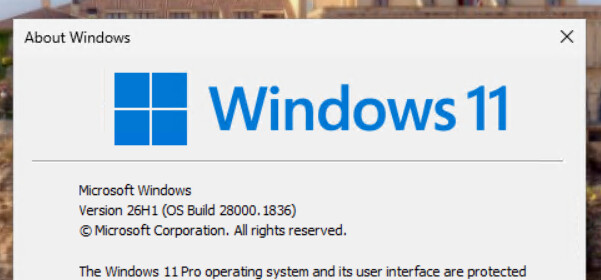
Sorry for the problem. Two other people reported this issue with this specific Windows 11 version, not just you. We set up this OS version on a VM, and we were able to get AppControl to work.
We ran Windows Update on this version and this OS version we tested was completely up to date, and that seemed to solve it? Can you try running Windows Update on your PC, then reboot, then see if that solves it?
Please let me know if I misunderstood something so I can help.
Meanwhile, please also try to go to add/remove programs and uninstall AppControl, reboot (IMPORTANT), then download our latest version and install it. It should solve the problem.
Oh no, we definitely don’t want any more AI bloat in everything. Your approach is absolutely correct, you provide the interface and then the user is responsible for supplying the model. It’s great for privacy conscious people who prefer local models but also for people with AI subscriptions who can have better analysis features.
It would be nice if you included the standalone MCP .exe in the installer as an optional install (disabled by default). As it is the new installations delete it (I put it in the application directory of course) which is a bit inconvenient. It might also motivate more people to engage with this feature.
Another person with this issue emailed our help desk. We were able to recreate this and solve it and a fix will be out with the next update. It was related to one version of Windows that was a bit unusual. Meanwhile, we found with our own installation of that Windows version that if you run Windows Update, uninstall AppControl in add/remove programs, then reboot, then reinstall it seems it solves it? Please try if you are able to do so, but if not you can email our helpdesk and I can send you an installer to test.