This is a big ask. But it could really add to the value of AppControl.
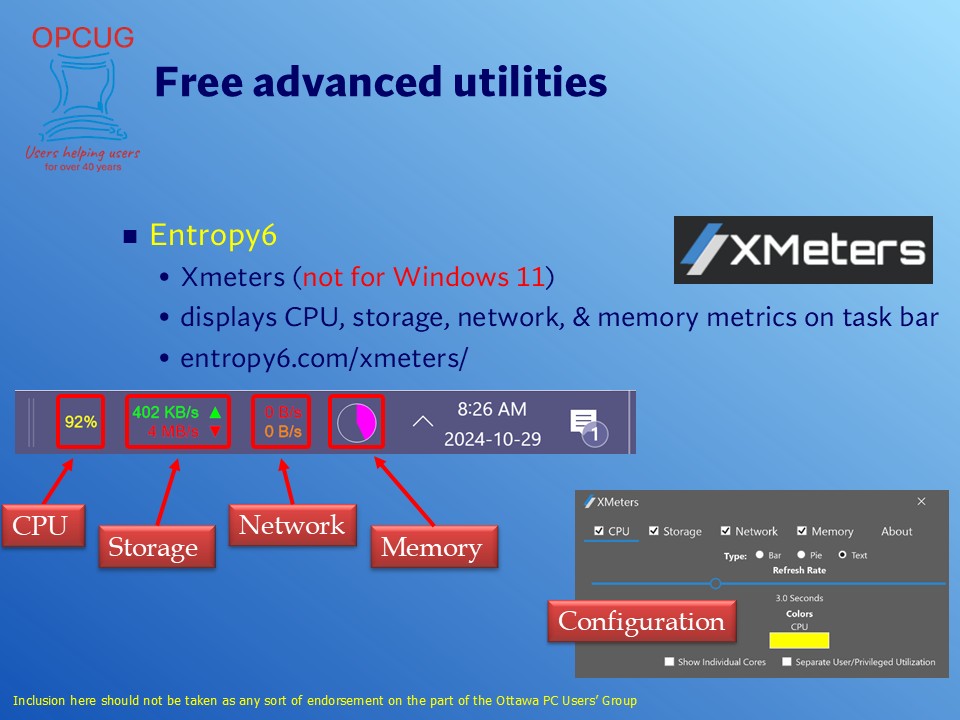
There is a program called Xmeters from Entropy 6. Unfortunately, it only runs on Windows 10 (and prior). Asks to the author about a version that works on Windows 11 have gone unanswered.
It gives System Tray icons for CPU, Storage, Network and Memory. If you are sensing Windows is sluggish, you can tell at a glance if one of the 4 metrics is maxing out. You could then run AppControl to dig deeper into what the problem process is.
When I ran Windows 10, I found it very valuable. I hope you might consider adding similar functionality to AppControl.
Here is a screenshot from a presentation I give on Windows Performance Tune-up showing what it looks like.
Thought I’d hop into the real-time monitoring display discussion…
Toolbar displays are great for hardware with limited Desktop real estate (Surface tablets, compact PC displays, etc.), but for those with, like, 27" and 32" monitors, there is Libre Hardware Monitor.
It’s the GitHub supported update to Open Hardware Monitor, defunct since 2020. I had been using it since 2010.
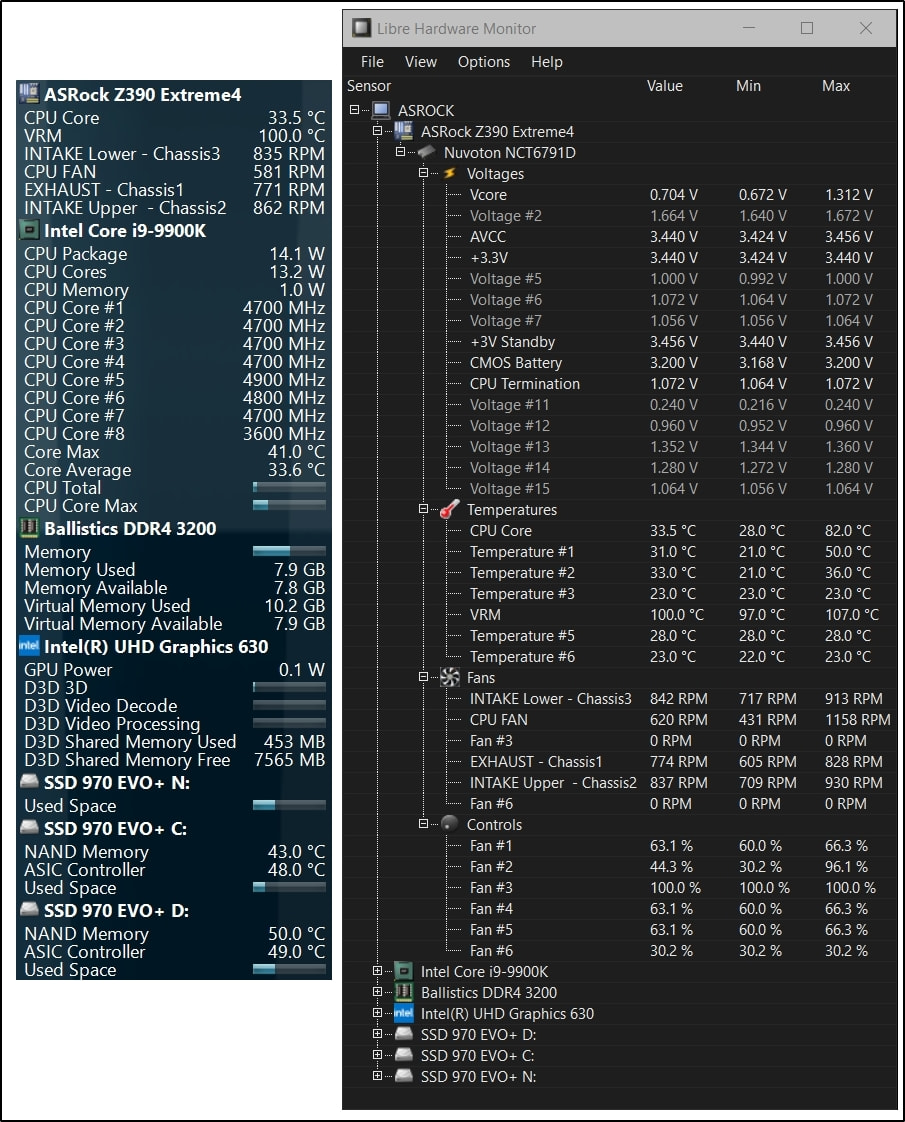
LHM is somewhere in between simpler utilities and the powerful eyeball-crossing HWiNFO. The lockable drag-n-drop placement, sizing, font size, colors and naming are all customizable.
My gadget shows but a smidgen of my system’s sensors which can be displayed and renamed. A screenshot of all the expanded sensors for the monitor itself would be an exercise in futility.
(My CPU usually idles at 2900, but the screenshot process took a quick snag of my CPU’s 4700 set limit of its 5GHz. In an external USB case, SSD N: lacks temp data.)
There had been some concerns over OHM’s use of WinRing0; LHM’s driver looks to have resolved them.
Having played around a bit with TrafficMonitor, it hits a nice spot fopr me. Following is what my system tray looks like now. Very tidy little indicators for CPU activity and memory usage.
That is quite tidy. I’ll keep that in mind if I ever get a laptop again.
I’m on the opposite end of the desktop spectrum!
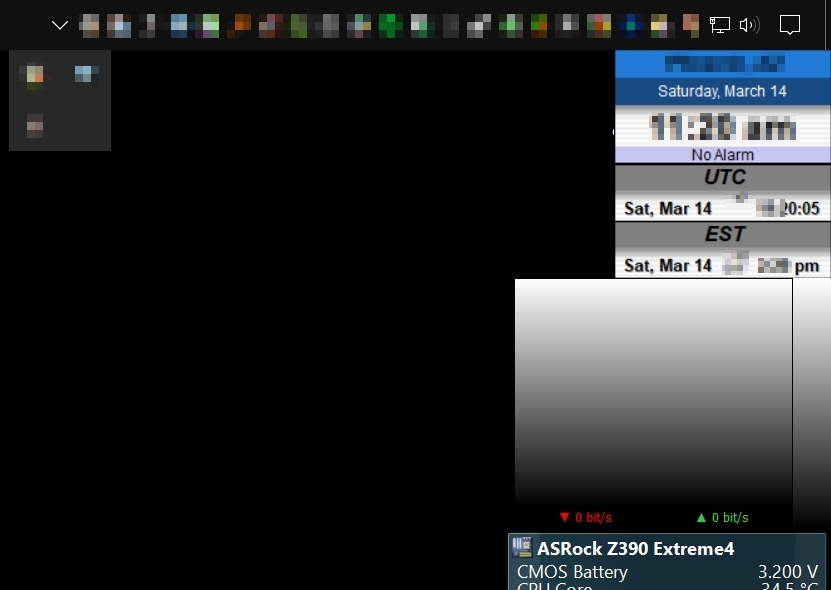
I keep the task bar on the top, where God meant it to be, small and fully populated for those things having notifications and for apps I use daily and extensively with three tucked away with the down chevron/carat.
My browser needs only about 2200 pixels width of my 3840 x 2160 32” monitor, so there’s plenty of room for the Libre Hardware Monitor, Networx v6 UL/DL and Qlock displays. And that’s just on that top right side…
Anyhow, I think it’s time for me to close out of this topic. Cheers.