When there is a new AppControl update the software installer tries to remove the previous version and it complains that AppControl.exe is currently open and to close it. The thing is that it isn’t open (at least it isn’t visible in Task Manager to kill the process), so I have to Abort the installer, which doesn’t really work either because it doesn’t restore the previously deleted files.
In order to fix it, I have to go to Control Panel and click uninstall (which simply removes the entry since the installer partially uninstalled before). Then if I go to the Program Files folder and try to delete the AppControl folder, it will fail as it says that a file is open. I then have to reboot my computer and then I can finally delete the AppControl folder in Program Files and finally install the new version.
This is an absolutely awful process which I do not wish to do again. Please fix this issue. I have had to do this with the last two updates.
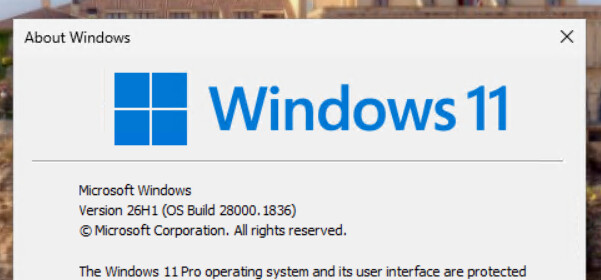
@ttt we have a theory on this. On your PC, do several Windows user accounts have AppControl installed? Also, just a reminder on the OS version you have. Thanks!
@ttt just a reminder on this, if you have multiple Windows accounts or just one? One other AppControl user has reported a similar issue and we’re trying to find the cause.
And do you use any third party security software besides Windows Security/Defender? Please note it’s absolutely not necessary to disable Windows Security/Defender to use AppControl, so I’m not suggesting you try that.
I just ask this question in case something is somehow disabling us?
We found we were able to get AppControl to work, but you should use Windows Update and it solves any issues.
I am posting this for anyone who has this issue so they can solve the problem. If this doesn’t apply to you please let me know your Windows version and we can continue to investigate.